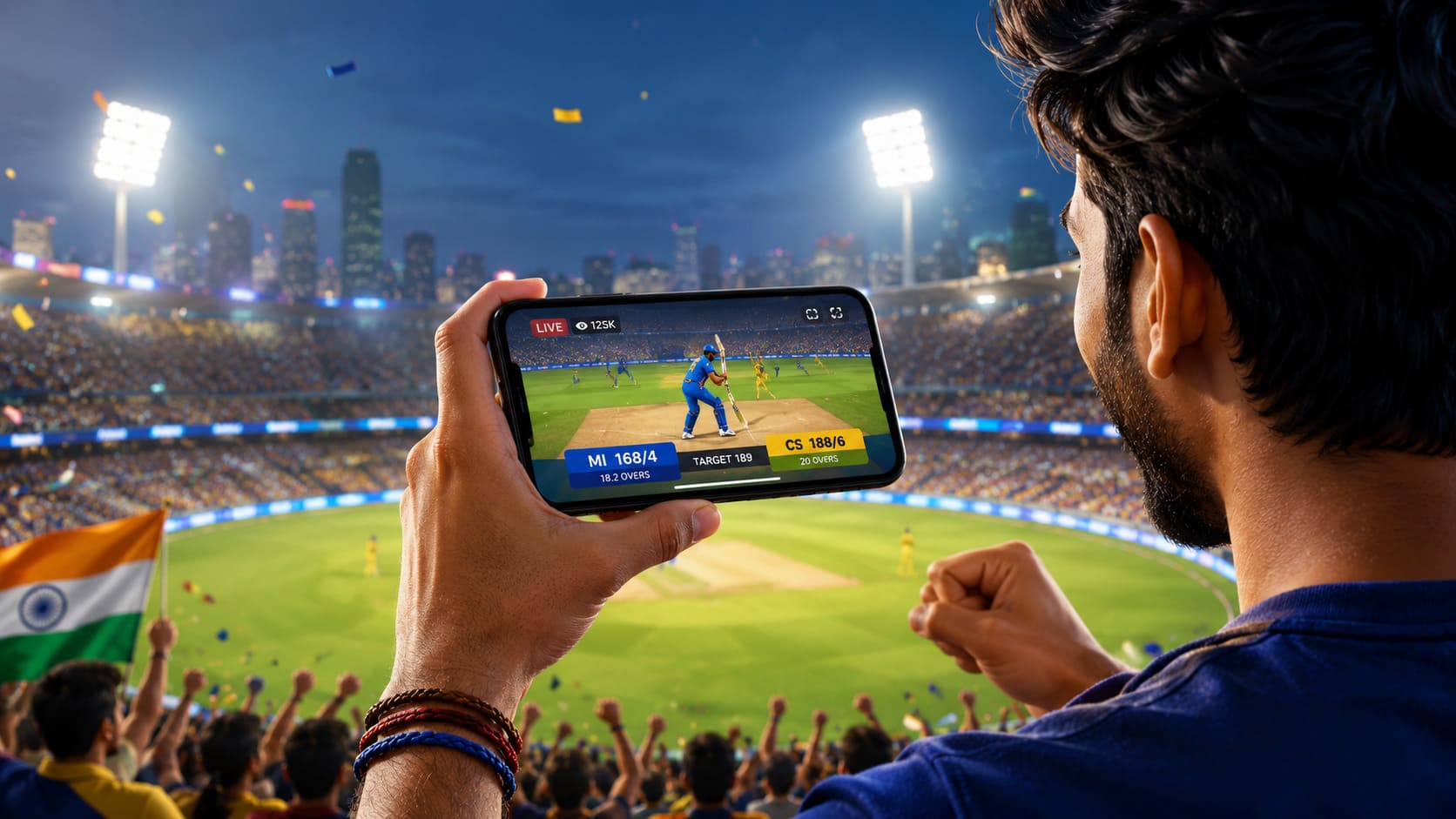
The IPL is one of those tournaments that can completely take over your evening. One minute, you are checking the score during dinner, and the next, you are watching the final over with your phone in your hand and everyone in the room shouting at the screen.
That is why searches for an IPL live streaming free APK rise whenever the cricket season begins. Fans want a quick and simple way to watch live matches on an Android phone, preferably without paying for another subscription.
The problem is that not every APK promising free IPL streaming is safe. Some apps are outdated, some are filled with pop-up adverts, and others may contain malware or ask for permissions they clearly do not need.
So, can you actually watch IPL matches for free on Android? In some cases, yes. However, the safest option is always to use an official streaming service, broadcaster app or telecom bundle rather than downloading a random APK from an unknown website.
This guide explains how IPL streaming APKs work, how to find legitimate viewing options and what to avoid before installing anything on your phone.
What Is an IPL Live Streaming Free APK?
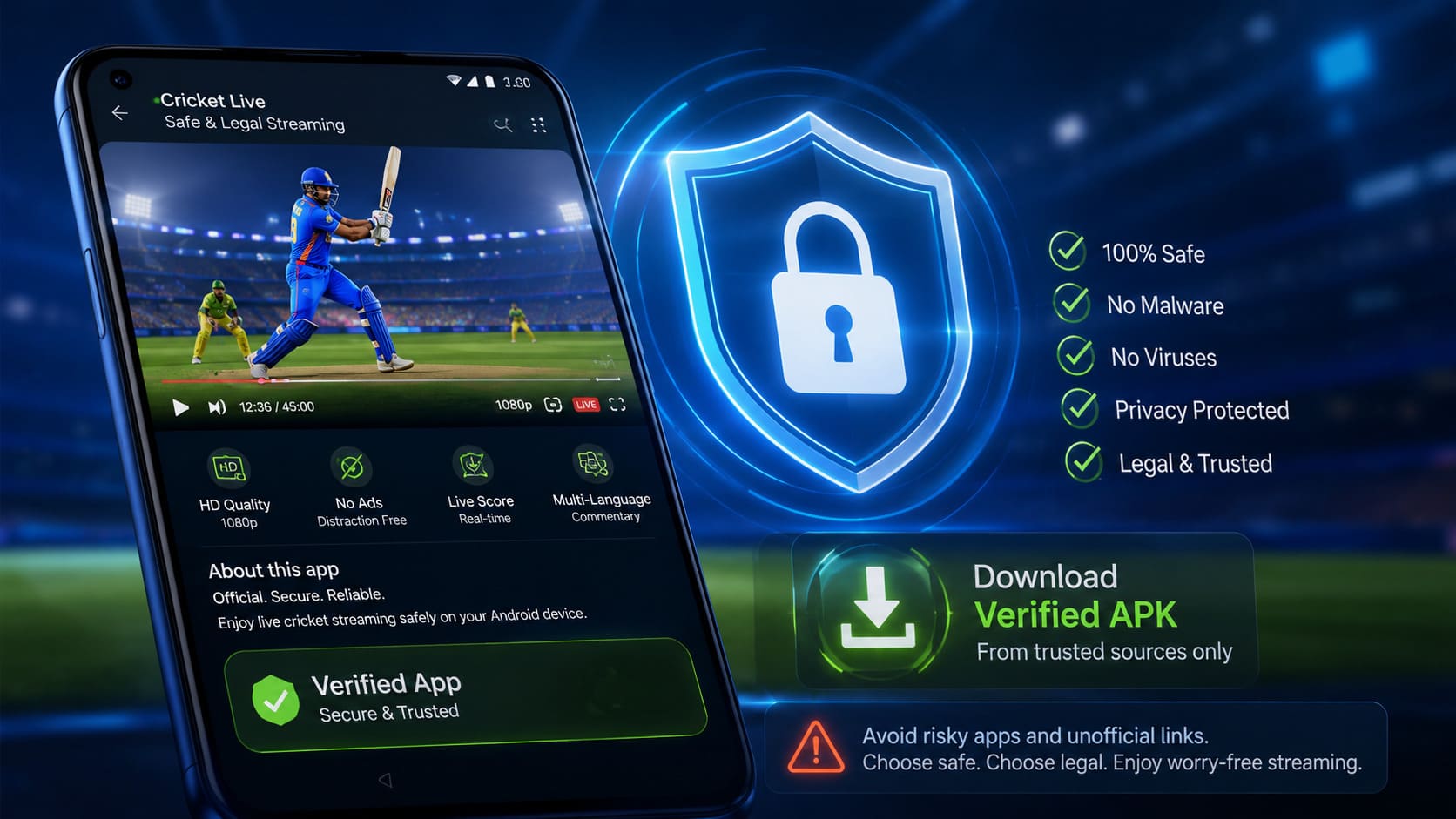
An APK is the installation file used by Android apps. When you install an app through the Google Play Store, Android is essentially downloading and installing an APK in the background.
However, the phrase IPL live streaming free APK usually refers to an app file downloaded directly from a third-party website instead of an official app store.
People often search for these files because they want:
- Free IPL match streaming
- An app that works without a subscription
- Live cricket in Hindi or regional languages
- A lighter app for an older Android phone
- Access to matches unavailable on their usual platform
Downloading an APK is not automatically illegal or dangerous. Many legitimate companies offer APK files through their official websites.
The risk appears when an unknown website offers a modified, cracked or unofficial version of a streaming app. These files may be designed to bypass subscriptions, show unauthorised broadcasts or collect information from your device.
Can You Watch IPL Live for Free on Android?
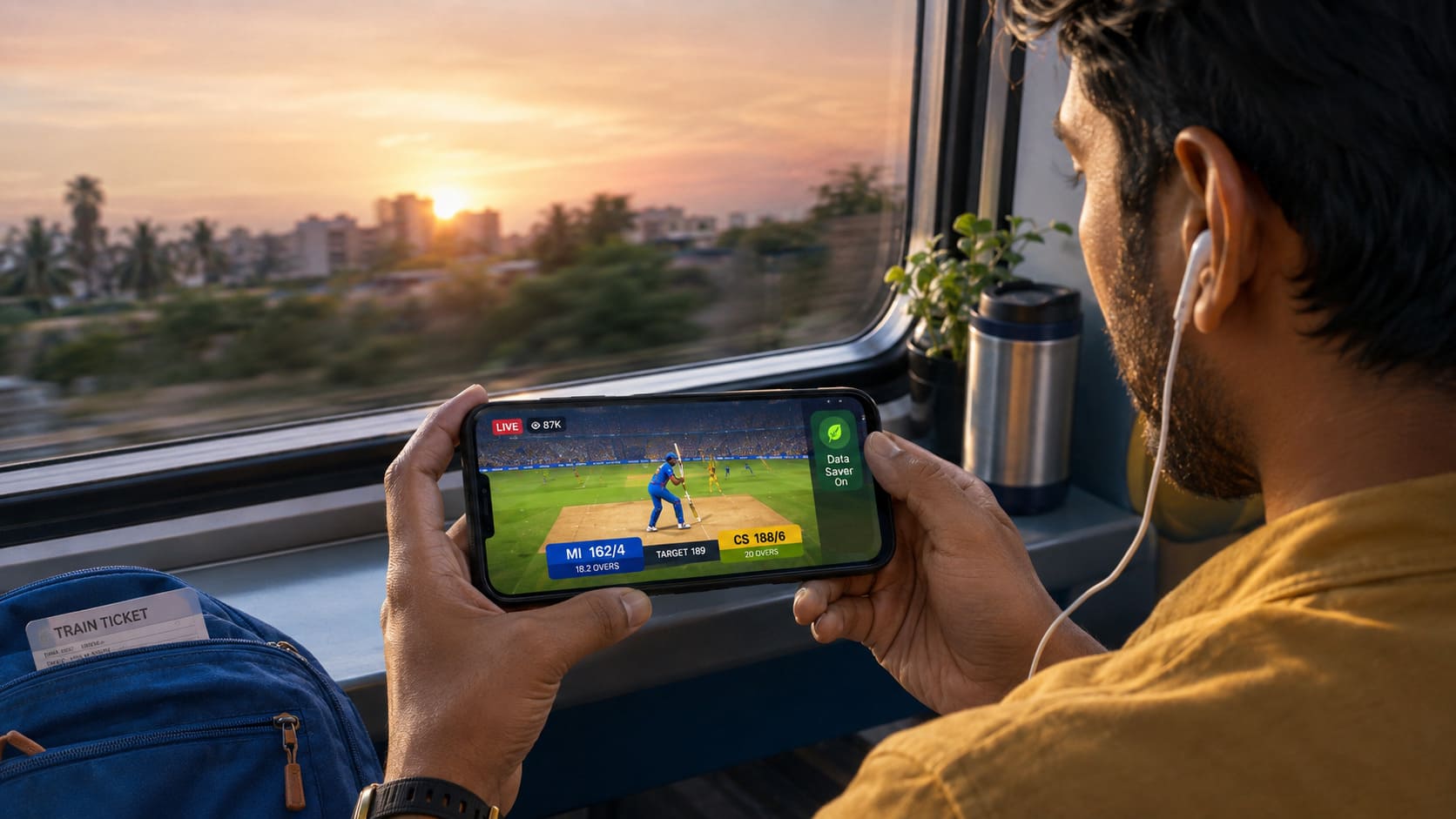
Free IPL streaming may be available, but it depends on the broadcasting arrangements for the current season.
Streaming rights can change from one season to another. A service that offered free matches last year may introduce a subscription, restrict certain video qualities or change its access rules during the next tournament.
Some of the most common ways to watch without paying separately include:
Official Free Streaming Offers
An official broadcaster may offer selected IPL matches, limited video quality or mobile-only viewing at no extra cost.
In some cases, users can watch after creating a free account. Other services may allow basic streaming but charge for HD, multiple devices or television access.
Always check the official broadcaster’s app or website before looking for third-party APKs. The legal option may already be free.
Telecom and Recharge Bundles
Indian mobile operators sometimes include streaming access with selected prepaid or postpaid plans.
You may already have access through your current recharge without realising it. Open your telecom provider’s app and check whether your plan includes a cricket, entertainment or OTT benefit.
These bundles are generally safer than installing an unofficial IPL streaming app, and they may also include extra mobile data.
Free Highlights and Match Clips
Watching the full match live is not your only option. Official IPL and broadcaster channels often publish:
- Match highlights
- Wicket videos
- Sixes and boundaries
- Post-match interviews
- Press conferences
- Short match summaries
These clips are useful if you miss the live broadcast or do not want to use several gigabytes of mobile data.
Live Scores and Ball-by-Ball Commentary
When streaming is not possible, a reliable cricket app can still keep you updated with ball-by-ball commentary, scorecards, player statistics and match alerts.
It is not quite the same as watching the match, but it works well when you are travelling, at work or dealing with a weak mobile connection.
Is It Safe to Download an IPL Streaming APK?
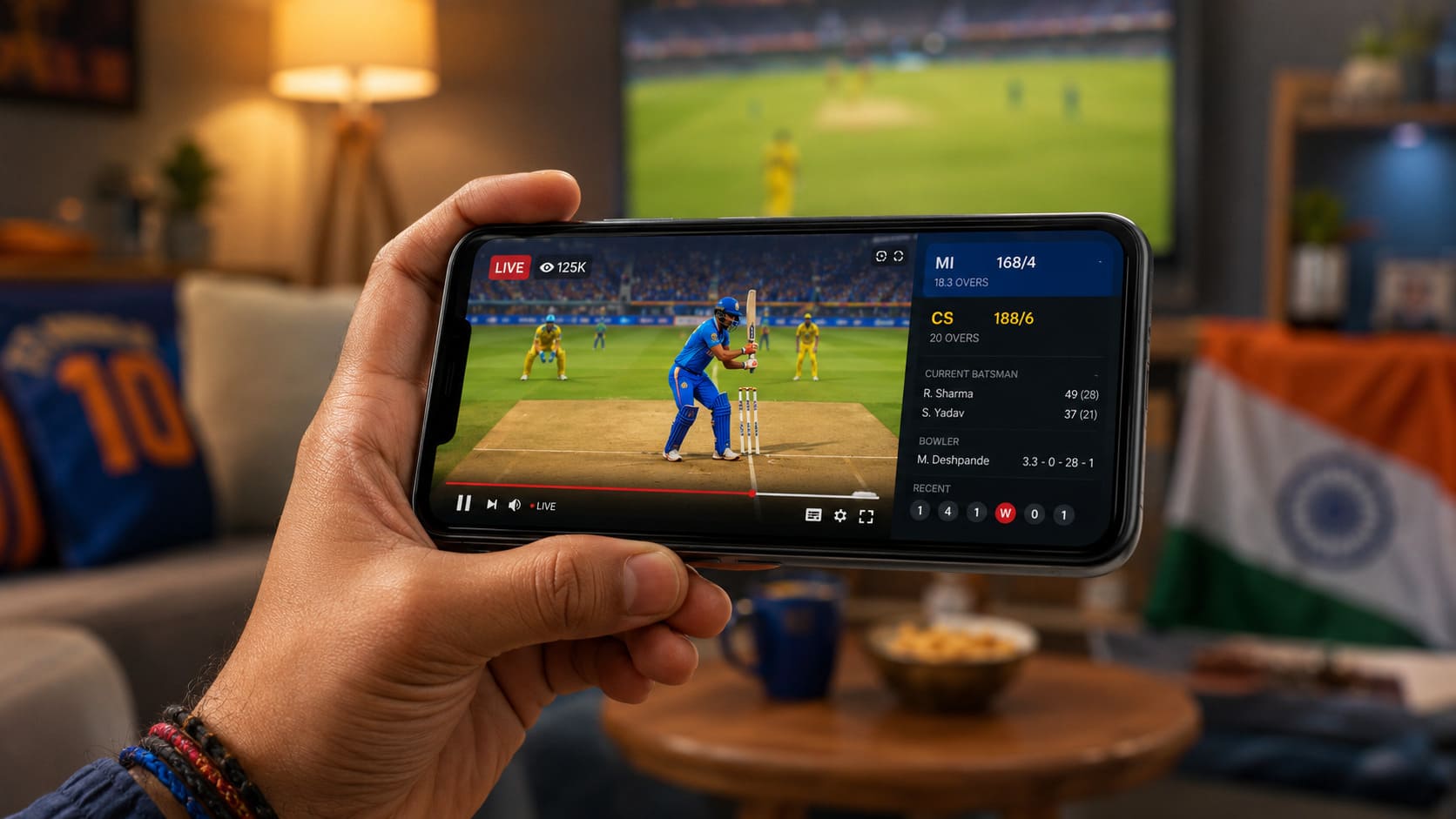
It depends entirely on where the APK comes from.
An APK downloaded from an official broadcaster, trusted app store or verified company website is usually much safer than one shared through an unknown download page, Telegram group or shortened link.
Before installing an IPL streaming APK, ask yourself a few simple questions:
- Is the developer clearly identified?
- Does the company have an official website?
- Is the same app available on the Google Play Store?
- Does the app request unusual permissions?
- Are there genuine and recent user reviews?
- Is the website promising something unrealistic?
Be especially careful with APKs claiming to offer every IPL match in Full HD for free, without adverts, login or regional restrictions. If the offer sounds too good to be true, it probably is.
How to Find a Safe IPL Live Streaming App
Finding a legitimate streaming app is not difficult, but it is worth spending an extra minute checking the details.
Download from the Google Play Store
The Google Play Store should normally be your first choice.
Search for the official broadcaster or streaming platform, then check:
- The developer’s name
- The number of downloads
- The app’s rating
- The latest update date
- Recent user reviews
- The app’s privacy and data information
Fake apps sometimes use similar names and logos, so do not simply install the first result.
Use the Official Broadcaster’s Website
If you are not sure which app is genuine, visit the broadcaster’s official website and follow its Android download link.
This reduces the chance of downloading a copied or modified version from another website.
Check the App Permissions
A cricket streaming app may reasonably need access to your internet connection, notifications or media controls.
It should not normally require access to your contacts, text messages, call history, microphone or precise location simply to show a cricket match.
Android displays the requested permissions during installation or in the app settings. Review them carefully.
Keep Google Play Protect Enabled
Google Play Protect checks installed apps for potentially harmful behaviour.
It is not perfect, but disabling it just because an APK asks you to do so is a major warning sign. A legitimate streaming app should not need you to switch off your phone’s security features.’
Register with Vertex9 and Start Watching for Free
Do not miss the biggest cricket moments of the season. Register with Vertex9 today and enjoy quick access to live IPL action from your mobile, tablet or desktop. Creating an account is simple, and eligible users can explore available free viewing offers without dealing with complicated setup steps. Sign up now, choose the match you want to follow and enjoy the excitement wherever you are. Free access and promotional offers may be subject to availability and platform terms.
Why You Should Avoid Cracked IPL APKs
A cracked APK is a modified version of an app designed to remove payments, unlock premium features or bypass restrictions.
It may seem like an easy way to watch IPL live for free, but it comes with several risks.
Malware and Spyware
Modified APKs can contain hidden software that collects passwords, reads files or monitors activity on your phone.
The app may appear to work normally while something else runs in the background.
Stolen Login Details
Some fake IPL apps display copied login screens that look similar to genuine streaming platforms.
Once you enter your mobile number, email address or password, the information may be sent to someone else.
This becomes even more dangerous if you use the same password for your email, banking apps or social media accounts.
Fake Payment Pages
An app may advertise free streaming and then ask for a small “verification payment”.
The page may be designed to collect card details, UPI information or one-time passwords. Do not enter payment information into an app unless you have confirmed that it belongs to the official service.
Too Many Pop-Up Adverts
Unofficial streaming apps often rely on aggressive advertising. You may be redirected to gambling pages, fake prize messages, adult content or suspicious app downloads.
Apart from being annoying, these redirects may expose your phone to additional security threats.
Poor and Unstable Streams
Even when an unofficial APK works, the experience is often frustrating.
Streams may stop during important overs, switch to a different language, lose audio, buffer repeatedly or disappear halfway through the match.
An official low-resolution stream is usually better than an unreliable “free HD” feed.
Best Features to Look for in an IPL Streaming App
A good IPL app should do more than simply play a video. Before choosing a platform, look for features that genuinely improve the match experience.
Multiple Commentary Languages
Cricket fans across India may prefer English, Hindi, Tamil, Telugu, Kannada, Bengali or another regional language.
Check whether the app offers your preferred commentary before the match begins.
Adjustable Video Quality
Not everyone has unlimited mobile data or a fast 5G connection.
A useful app should allow you to switch between low, medium and high video quality. Some apps also offer an automatic mode that adjusts the resolution based on your network speed.
Live Scorecard
A built-in scorecard helps you check the required run rate, partnership, bowling figures and recent overs without leaving the video player.
Match Replays and Highlights
You may not always be free at match time. Replay and highlights features allow you to catch up later without searching through unofficial video uploads.
Chromecast or Smart TV Support
Watching on a mobile screen is convenient, but a television is better when friends or family are watching together.
Check whether the app supports Chromecast, Android TV or another casting method.
Notifications
Match reminders, toss updates, innings alerts and result notifications can be useful, especially on days with more than one game.
Just avoid enabling every promotional notification unless you want your phone buzzing throughout the day.
How to Install an Official IPL Streaming App on Android
The safest installation process is simple:
- Open the Google Play Store on your Android phone.
- Search for the official streaming platform or broadcaster.
- Confirm the developer’s name and app logo.
- Read recent reviews and check the update date.
- Tap Install.
- Open the app and create an account if required.
- Check whether your mobile plan or subscription includes access.
- Select the live IPL match and choose your video quality.
When an official app is unavailable through the Play Store, only download its APK from the company’s verified website.
Avoid mirror sites that copy the app description and place several confusing download buttons around the page.
How to Watch IPL with Less Mobile Data
Live cricket can use a surprising amount of data, particularly when streaming in HD.
You can reduce your data usage without missing the match by making a few adjustments.
Lower the Video Resolution
A 360p or 480p stream uses much less data than a 1080p stream and is often perfectly watchable on a small mobile screen.
You can switch to HD when you are connected to Wi-Fi.
Turn on Data Saver
Many streaming apps include a data saver mode. Android also has system-level data controls that can restrict background usage.
Close Background Apps
Cloud backups, software updates and social media apps may use bandwidth while you are watching the match.
Closing unnecessary apps can improve stream stability, especially on slower networks.
Download Updates over Wi-Fi
Do not wait until the toss to update your streaming app. Check for updates earlier and install them while connected to Wi-Fi.
Avoid Unofficial Streaming Servers
Illegal streams often pass through several advertising and tracking servers, using extra data before the video even begins.
An official app usually offers a cleaner and more efficient stream.
Why Is My IPL Streaming App Not Working?
Even official apps can occasionally have problems. Before uninstalling the app, try these common fixes.
Check Your Internet Connection
Switch between Wi-Fi and mobile data to see whether the issue is network-related.
You can also lower the video quality if the match keeps buffering.
Restart the App
Close the app completely and open it again. This simple step often fixes frozen video players or loading errors.
Update the App
An old version may no longer support the latest streaming system. Open the Play Store and check for updates.
Clear the Cache
Go to your phone’s settings, open the app information page and clear the cache.
Avoid clearing all app data unless necessary, as doing so may sign you out.
Check Your Subscription or Bundle
Your free trial, telecom benefit or streaming plan may have expired. Open the account or subscription section to confirm your access.
Restart Your Phone
A restart can resolve temporary memory, network or background process issues.
Check Regional Availability
Some broadcasts are limited to specific countries or regions. An app may open normally but refuse to play the match if the content is unavailable in your location.
Is It Legal to Use a Free IPL Streaming APK in India?
Using a free app is not automatically illegal. The important question is whether the app has permission to show the match.
An official broadcaster may legally offer free live coverage, ad-supported viewing, promotional access or streaming through a telecom bundle.
An unofficial app that rebroadcasts copyrighted IPL footage without permission is different. Even when the user is not hosting the stream, these apps may expose viewers to unreliable services, fraudulent advertising and privacy risks.
You should also avoid recording, redistributing or uploading match footage without permission.
For the safest experience, use a licensed broadcaster, official streaming platform or authorised television service.
Alternatives to IPL Live Streaming Free APKs
You do not necessarily need a separate APK to follow the IPL.
Official Streaming Websites
Some services allow users to watch through a mobile browser. This can be useful if you do not want to install another app.
Live Television Apps
Your television or broadband provider may include mobile access to sports channels as part of your existing package.
Telecom Bundles
Check your recharge plan for OTT and sports benefits. A slightly higher-value plan may be cheaper than paying for mobile data and a separate subscription.
Live Score Apps
Cricket score apps are ideal when you are working, travelling or unable to watch video.
Official Social Media Channels
Official IPL, team and broadcaster accounts regularly publish interviews, highlights, match reactions and short clips.
Frequently Asked Questions
Is there a completely free IPL live streaming APK?
There may be official free viewing options depending on the broadcaster and the current IPL season. However, you should avoid unofficial APKs that promise unlimited premium streaming without a subscription.
Can I watch IPL without paying for a subscription?
Possibly. Some platforms offer free access, while telecom plans or television packages may include streaming benefits. Check your existing mobile and broadband plans before paying separately.
Is it safe to download an IPL APK from a third-party website?
It is safer to download apps from the Google Play Store or the official broadcaster’s website. APKs from unknown websites may contain malware, fake login pages or excessive adverts.
Can I watch IPL live in Hindi?
Many official streaming platforms provide Hindi commentary, and some also offer additional regional languages. Available languages may vary by season and match.
Why does my IPL stream keep buffering?
Buffering may be caused by a slow network, high video resolution, heavy server traffic or other apps using your connection. Lower the video quality, close background apps and restart the stream.
Can I watch IPL on an old Android phone?
It depends on the app’s minimum Android requirements. A lightweight app or browser stream may work better on an older device. Make sure your phone has enough free storage and an updated operating system.
Can I cast IPL from my phone to a smart TV?
Some official apps support Chromecast, Android TV or smart TV casting. Access rules may differ between mobile-only and television plans, so check the platform’s conditions.
Do I need a VPN to watch IPL?
You should not need a VPN when using the authorised streaming service available in your country. Using a VPN to bypass regional restrictions may breach the platform’s terms and can also reduce video speed.
Final Thoughts
Searching for an IPL live streaming free APK is understandable. Everyone wants an easy way to watch the match without dealing with expensive plans, complicated sign-ups or unreliable websites.
However, downloading the first APK you find is rarely worth the risk.
Start by checking official streaming platforms, broadcaster websites and your existing telecom plan. You may already have free or bundled access. When installing an app, verify the developer, review its permissions and avoid cracked versions that promise premium streaming for nothing.
A safe, legal stream gives you better video quality, fewer interruptions and far less chance of putting your phone or personal information at risk.
After all, the only surprise you want during the final over is what happens on the pitch—not what an unknown APK has installed on your phone.
IPL Live Streaming Free APK India: Vertex9
Looking for an easy way to add more excitement to your IPL evenings? Vertex9 gives Indian cricket fans a mobile-friendly platform where they can follow the action and explore a wide selection of cricket-related entertainment options. Instead of downloading an unknown IPL live streaming free APK in India, users should always choose trusted and verified sources for live match coverage, then use Vertex9 alongside the game for an engaging experience. The platform is simple to navigate on Android devices, loads smoothly on mobile networks and offers convenient access wherever you are. Always check local rules, play responsibly and never treat cricket predictions or gaming as a guaranteed way to earn money.
You may also like to know:
Online Roulette India: A Complete Guide to the Game
Aviator Game Se Paise Kaise Kamaye: Tips for Smarter Play
Best Football Betting Sites in India: Trusted Online Bookmakers Guide
Andar Bahar Casino India: Rules, Gameplay and Winning Tips
Online Satta in India: Games, Results, Risks and Rules
Aviator Hack: Can the Game Really Be Predicted or Manipulated?